Skip to content

Something broke?Scan the doorWe'll take it from there

The tenant troubleshooter turns a QR code on your door into a short guided chat. It helps with simple fixes and, when a pro is needed, sends your property manager a clear maintenance request.

Coming soon. Ask your property manager whether your building uses Yosubi.

Illustrated tenant scanning a QR code on her apartment door

From the door to a fix, in six steps

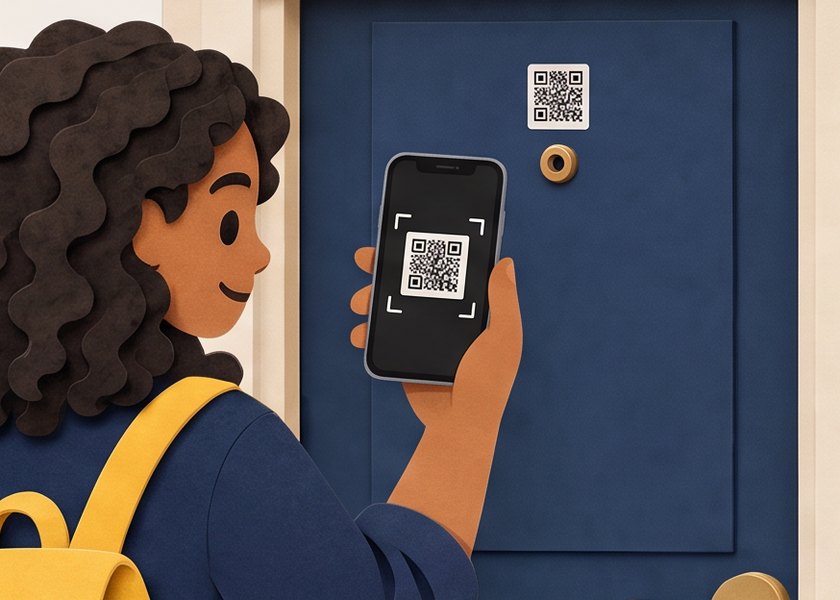
  1. A tenant with a backpack takes out her phone at her apartment door
    1

    Pull out your phone

    Notice something wrong at home? Start at your front door.

  2. The tenant scans the QR code on her door with her phone
    2

    Scan the door QR

    The code on your door opens Yosubi for your unit.

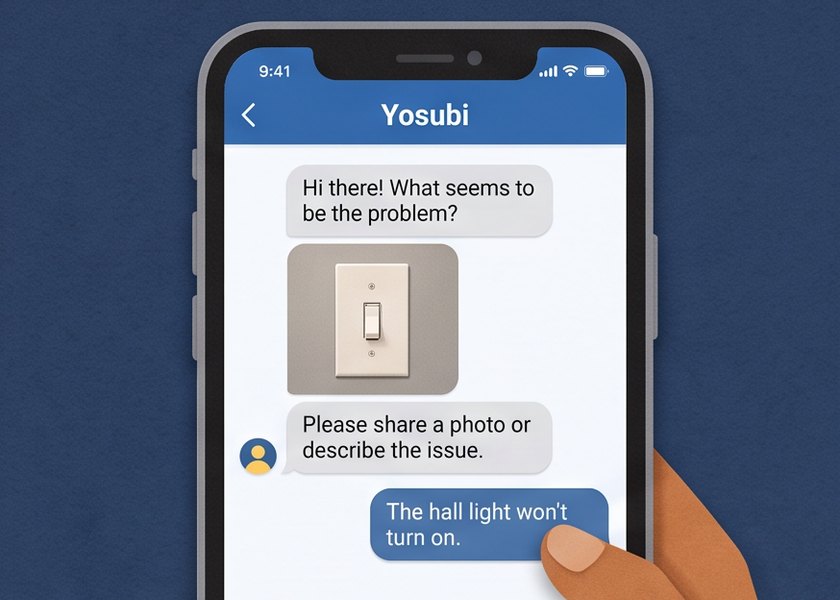
  3. Yosubi chat on a phone asking what the problem is; the tenant says the hall light will not turn on
    3

    Yosubi opens

    A short chat asks what is wrong and for a photo.

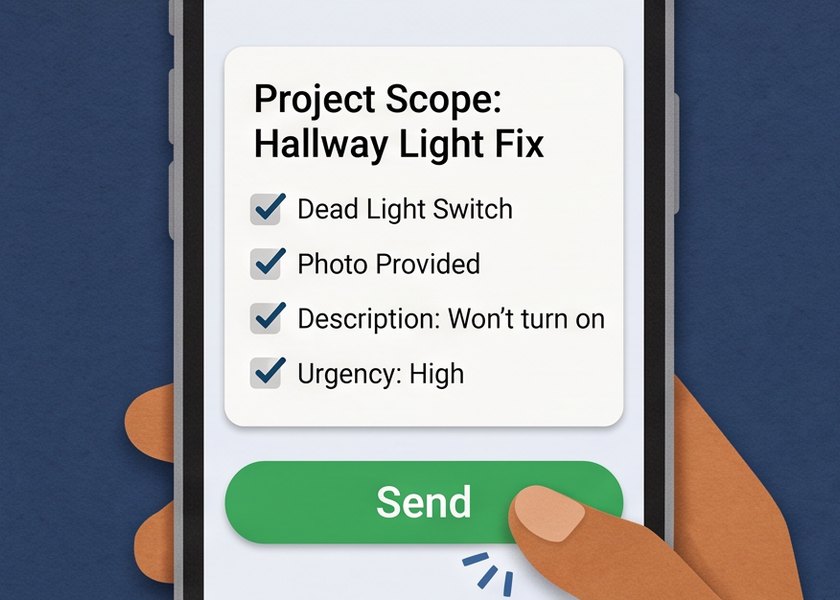
  4. A phone shows the project scope for a hallway light fix with a Send button
    4

    Problem scoped

    Your answers become a clear maintenance request.

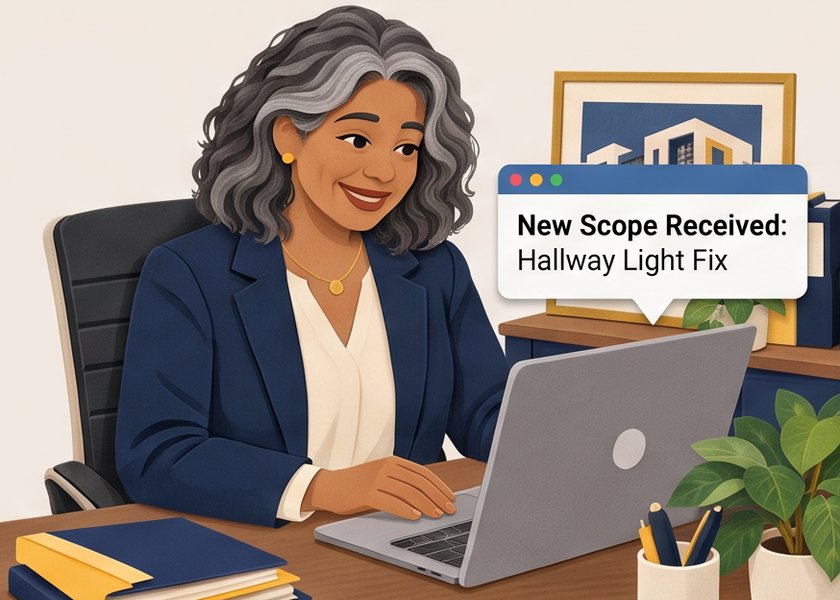
  5. A property manager at her desk sees a new scope received on her laptop
    5

    Manager receives the scope

    Your property manager gets the details, ready to triage and dispatch.

  6. An electrician with a multimeter at the door gives a thumbs up with the tenant
    6

    The right pro arrives

    The vendor shows up knowing the job. Here, an electrician.

Every chat ends in one of three places

  • Fix it yourself

    Simple, safe fixes with step-by-step help, like resetting a breaker.

  • Call in a pro

    Your property manager gets a maintenance request with photos and details.

  • Emergency first

    Gas smell, sparks or flooding always come first: get safe and call for help.

Want this for your building?

Property managers can start free with Yosubi today.

Privacy policy

Yosubi

Stay up to date with Yosubi

Join our mailing list.

Your privacy choices

Choose which tools can run on yosubi.com in this browser. You can change this anytime from the link in the footer.

Necessary

Always on

Keeps the site working and remembers your choices. We also count visits with Cloudflare Web Analytics, which uses no cookies and does not identify you.

Shows us which pages help and where people get stuck (PostHog and Google Analytics).

Lets Google, Meta and LinkedIn measure our ads and show you relevant ones. Turning this off opts you out of the sale or sharing of your personal information for advertising.